PSP Report: A Guide to DOT Pre-Employment Screening Program
A deep dive into the Pre-Employment Screening Program (PSP). Learn how to interpret crash and inspection data to improve your fleet safety and compliance posture.
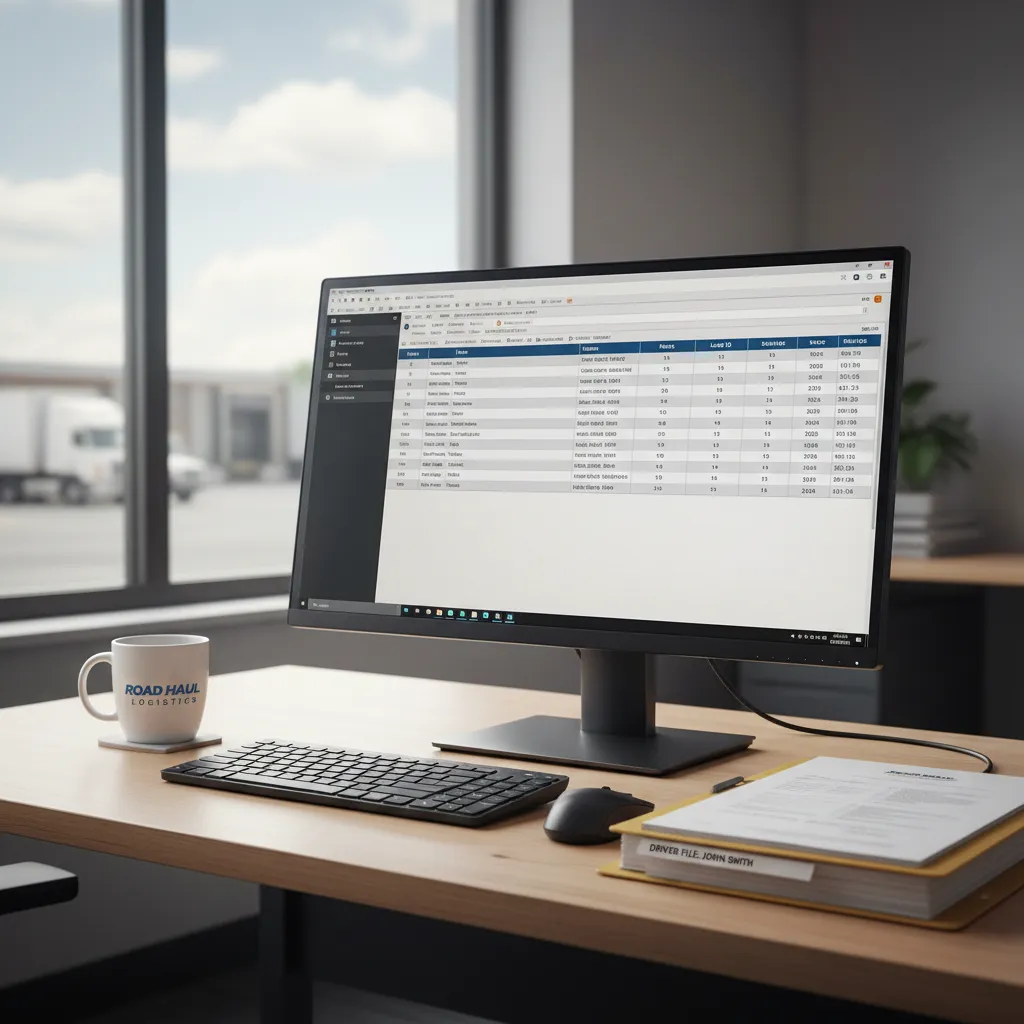
A Pre-Employment Screening Program (PSP) report provides a five-year history of crash data and a three-year history of roadside inspection data for a commercial driver. Unlike a standard Motor Vehicle Record (MVR), which reflects state-level moving violations, the PSP pulls records directly from the FMCSA Motor Carrier Management Information System (MCMIS). This report allows safety managers to identify patterns of behavior—such as frequent equipment violations or preventable crashes—that may not appear on a state driving record but significantly impact a carrier’s safety rating.
TL;DR
- Data Source: FMCSA MCMIS database.
- Records Included: 5 years of crash data, 3 years of roadside inspection data.
- Consent: Mandatory written consent from the driver is required before ordering.
- Usage: Used for pre-employment screening only, not for annual reviews.
- Key Benefit: Identifies HOS violations and vehicle maintenance issues that an MVR misses.
What Information is Included in a PSP Report?
A PSP report is distinct from a DAC report or an MVR. It focuses strictly on federally reported safety events. The data is divided into two primary categories: crashes and inspections.
Crash Data (5 Years) The report includes any DOT-recordable crash the driver was involved in over the last 60 months. This includes the date, location, the number of injuries or fatalities, and whether the vehicle was towed from the scene. It is important to note that the PSP report does not assign fault. It simply records the occurrence of the event as reported by the investigating agency.
Inspection Data (3 Years) The report lists all roadside inspections conducted under the driver’s CDL over the last 36 months. This section includes:
- The date and location of the inspection.
- The carrier the driver was working for at the time.
- Specific violations cited (e.g., HOS violations, lighting, tires).
- Whether the inspection resulted in an Out-of-Service (OOS) order for the driver or the vehicle.
Legal Requirements: Consent and Disclosure
Carriers must adhere to the Fair Credit Reporting Act (FCRA) and specific FMCSA regulations when accessing PSP data. You cannot pull a PSP report just because you have a driver’s license number.
Before ordering the report, the motor carrier must obtain a signed, written disclosure and authorization form from the applicant. This document must be a stand-alone disclosure; it cannot be buried in the fine print of a general employment application. If a carrier uses fmcsa compliance software, these digital signatures are typically captured during the initial application flow to ensure the dqf remains audit-ready.
If the information in the PSP report leads the carrier to deny employment, the carrier must follow adverse action procedures. This includes providing the applicant with a copy of the report and a summary of their rights under the FCRA, allowing them the opportunity to contest inaccurate data through the FMCSA DataQs system.
PSP vs. MVR: Why You Need Both
A common mistake among new safety managers is assuming the MVR provides the full picture. While the MVR shows convictions and points, the PSP shows the underlying behaviors that often lead to those convictions. For example, a driver might have a clean MVR because a roadside inspection citation was never moved to the court system, or the driver attended traffic school. However, the PSP will still show the ELD violations or equipment issues found during that same stop.
Using these reports in tandem allows a recruiter to calculate the true risk of a hire. High volumes of equipment violations on a PSP report may indicate a driver who does not perform thorough pre-trip inspections, even if their MVR shows no moving violations. If you are tracking your cost-per-hire, preventing one high-risk hire who would have caused a CSA-impacting event justifies the cost of the report.
How to Interpret the Data Fairly
Safety managers should look for trends rather than isolated incidents. A driver with one lighting violation in three years is a different risk profile than a driver with multiple hos-11-14-hour-rule violations in the last six months.
When reviewing a PSP report, consider the following:
- Violation Type: Are the violations within the driver's control? A cracked windshield might happen mid-trip, but logbook falsification is a deliberate choice.
- Out-of-Service Rate: Compare the driver’s OOS rate to the national average. A high OOS rate is a leading indicator of future csa-score degradation for your fleet.
- Clean Inspections: The PSP also shows "clean" inspections where no violations were found. A driver with a high volume of clean inspections is an asset to your fleet’s safety profile.
To better understand the financial impact of these hiring decisions, carriers often use a driver turnover cost calculator to see how poor vetting affects the bottom line through repeated recruiting cycles.
Integrating PSP into the Workflow
Manually pulling PSP reports for every applicant is time-consuming and prone to human error. Modern cdl driver recruiting software like Fleegital integrates these checks directly into the hiring pipeline. By automating the request for consent and the retrieval of the report, safety teams can speed up their speed-to-lead while ensuring no driver is seated without a full background review.
Automation also ensures that the data is stored securely and is easily accessible during a DOT audit. Rather than searching through paper files, a digital dqf-automation tool keeps the PSP report linked to the driver’s profile alongside their dot-medical-card and annual-driving-record-review.
Action Items for This Week
Audit your current driver files to ensure you have signed PSP consent forms for every driver hired in the last three years. If you find gaps, update your application process to include a dedicated PSP disclosure page. Review your hiring criteria to define exactly how many roadside violations or crashes will trigger an automatic disqualification, ensuring these standards are applied consistently across all applicants to avoid discrimination claims.
FAQ
Does a PSP report show fault in an accident?
No, the PSP report only records that a DOT-recordable crash occurred. It does not indicate who was at fault or whether the driver received a citation, though carriers can use the report to cross-reference police reports.
Can I use a PSP report for my annual driver review?
No, the FMCSA explicitly states that PSP reports are intended for pre-employment screening purposes only. For annual reviews, carriers must use the state-issued MVR.
How can a driver fix incorrect information on their PSP?
Drivers must use the FMCSA DataQs system to challenge inaccurate information. If a crash was determined to be "not preventable" through the Crash Preventability Determination Program, that status will be reflected on the PSP report.
Tagged